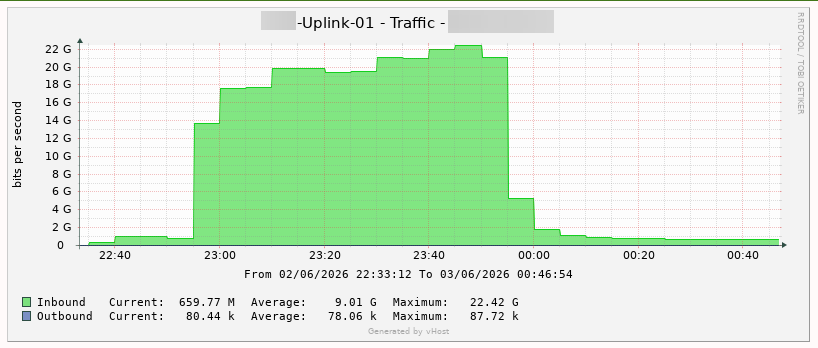
1. Attack Mechanisms
vHost permanently blocks ICMP and UDP protocols as they are the most common attack vectors in DDoS campaigns:
- ICMP Flood: Kẻ tấn công gửi liên tục hàng triệu gói ICMP Echo Request, làm cạn kiệt băng thông và tăng tải CPU do kernel phải xử lý từng gói tin.
- UDP Flood / DNS Amplification: Kẻ tấn công gửi lượng lớn gói UDP đến các port ngẫu nhiên, hoặc lợi dụng DNS resolver mở để khuếch đại lưu lượng phản hồi lên nhiều lần so với lưu lượng gốc.
Both methods result in bandwidth saturation and disruption or complete failure of TCP-based services (HTTP, SSH, database).
2. Consequences
- Tools relying on
pingsuch as ping andmtrwill receive no response - Monitoring systems using ICMP ping checks will generate false positives (reporting down while the server is actually running normally)
3. Verifying Connectivity via TCP
Since ICMP and UDP are blocked at the network layer, internet connectivity must be verified using TCP.
Verification Commands:
curl -4 ifconfig.me # Check IPv4
curl -6 ifconfig.me # Check IPv6
If the command returns a public IP address, the server is operating normally and has internet connectivity.
4. Note for Monitoring Systems
If your monitoring system is currently using ICMP ping checks, it must be switched to TCP checks to avoid false positive alerts.